Unified Memory That Works Where You Work: Your Second Brain With Supermemory
Hi everyone, I’m Dhravya, the founder of Supermemory. I want to start with a little story behind why this product means so much to me. You can also skip straight to what it is and how it works below.
Version notice, updated October 16, 2026: this is a historical product launch from July 2025. The consumer app it introduced at app.supermemory.ai, later called Nova, closed on September 9, 2026 (announcement), and that address now forwards to the console, where existing memories and API keys live. The waitlist, pricing, MCP endpoint and Claude Desktop configuration below describe that release, so don't copy them into a new setup. To use supermemory in Claude, ChatGPT or Cursor today, follow the current MCP guide or the MCP memory guide. To build it into an app, use the current SDK guide and the v5 migration guide. Current plans are on the pricing page.
Hi everyone, I’m Dhravya, the founder of Supermemory.
I want to start with a little story behind why this product means so much to me. You can also skip straight to what it is and how it works below.
Anyways, when I started Supermemory one year ago, we were a consumer app that acted like a second brain. You could add your memories, documents, and notes, and chat with them.
We had a big community and a shit ton of users, but, frankly, our product’s retention was terrible. People stopped using it, and there were still several technological challenges I had to figure out.
So, we pivoted to B2B and set our heads down for one year.
Now, we have a lot of businesses using Supermemory to build memory into their apps, and in the process, we figured out some of the hardest underlying technological problems. You can look at our releases of the MCP, llm-bridge, infinite chat, and more.
I was finally starting to see AI memory in the form I imagined it to be.
Although watching the revenue graph on my Stripe dashboard go berserk is very fun, I felt it was time to go after our initial vision: a memory engine that automatically (pay attention to this) stores information from all your apps, like Google Drive, Notion, Claude, ChatGPT, etc., organizes them into sexy graphs, and allows you to chat with them.
This launch has been a whole year in the making. And, I think the Dhravya of one year ago would be proud as hell.
This kind of memory has always been my real mission: bringing effortless knowledge capture to everyone, changing the way we live, work, and think. Selling B2B licenses is a noble pursuit, lol, but this is what I live for.
And today, I’m beyond excited to finally fulfill that promise.
Thanks for sticking around. I can’t wait for you to try it.
Best,
Dhravya
What is unified memory, and how does it work?
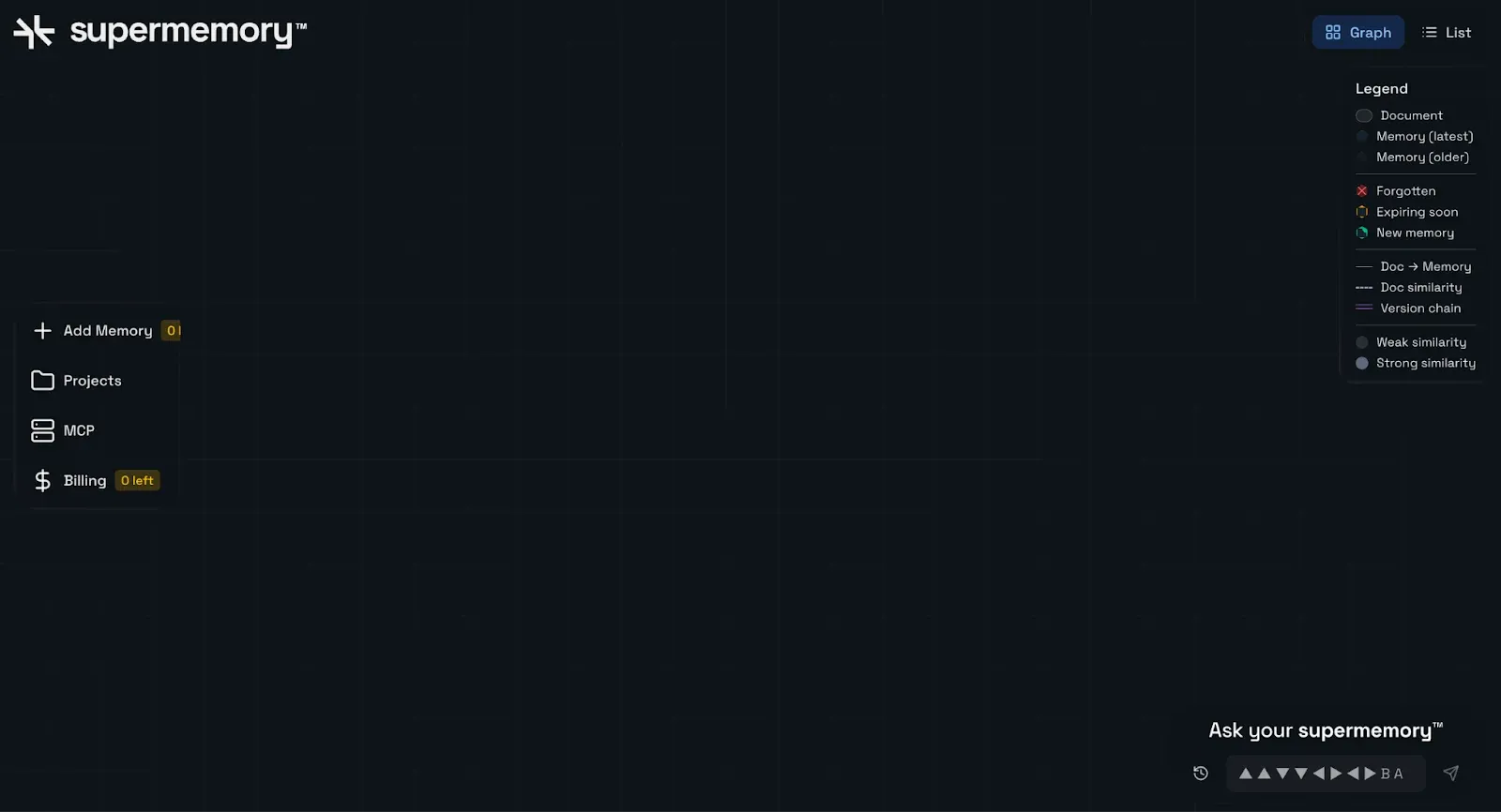
When I first launched Supermemory a year ago, the biggest flaw and the reason we saw so many people stop using it was that it relied entirely on manual input.
You literally had to open our app, manually add memories or documents, and then actively chat with them later.
Over the past year, I realized something crucial: memory only works when it’s automatic. When it lives quietly in the background, seamlessly integrated into the way you already work.
Memory only works when it’s automatic. When it lives quietly in the background, seamlessly integrated into the way you already work.
Here’s what you can expect from our app:
- Automatic, real-time memory updates: The app now lives where your AI does. It automatically captures and updates your interactions from ChatGPT, Claude, Cursor, or any other AI client supporting MCP in real-time.
- Effortless document integration: Connect seamlessly to Google Drive, Notion, and OneDrive using our connectors, instantly importing your documents and making them available for immediate conversation. Learn how.
- Intelligent knowledge graphs: Automatically create intuitive, visual graphs of your knowledge, interactions, and memories, bringing clarity to the way you think and remember.
- Project-based organization: Easily segment your memories into different projects, securely isolating work from personal knowledge, or dividing topics clearly, however you see fit.
Unlike other apps, the Unified Memory Engine is designed to be accessible for normal everyday users like you and me, and not just developers. For instance, platforms like OpenMemory by mem0 require a complex Docker setup, familiarity with Python, and technical know-how to even get started.
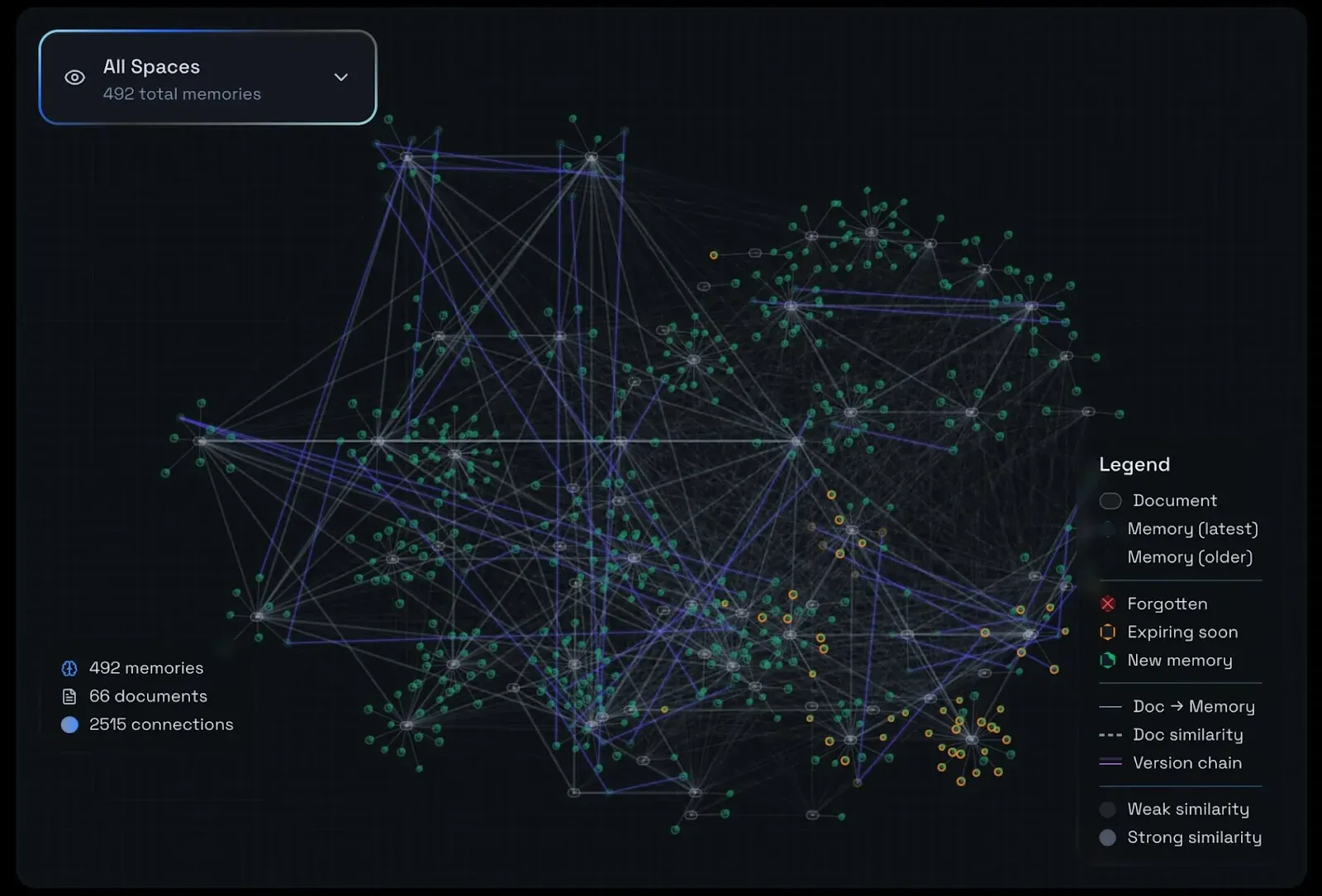
Arguably, the graph feature is one of our coolest additions. Right now, for every raw document that is added, Supermemory not only understands and extracts things from the document to search through them, but also makes connections between two or three items.
It is also capable of making implicit connections - stuff that the user never explicitly said, but Supermemory understood.
For you, the benefit is that our system is MUCH smarter than everything else out there. You can move beyond surface-level questions like ‘when did xyz happen,’ and do actual complex analysis and querying.
The app also forgets memories that aren’t used very frequently, based on how our brain works. Other memory systems don’t have that temporal understanding, and this intelligent understanding of when to overwrite and rewrite things makes for faster performance.
I also talked to the founder of spawn.co and he told me they do this at their company. They’ve been racking every interaction on Slack and documents on Notion, adding it to the company’s knowledge graph.
How to use the app?
We’re releasing the app to only a select few people right now. To sign up for the waitlist, head over to app.supermemory.ai.
Update, October 16, 2026: the waitlist and the app have closed, and app.supermemory.ai now forwards to the console, where existing memories and API keys live.
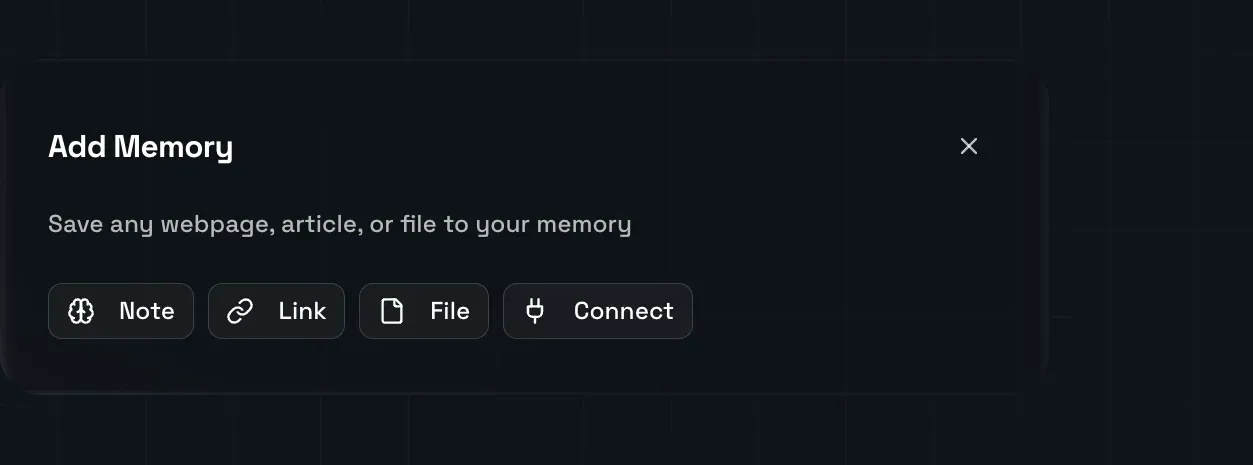
Once you’re in, start by manually adding memories in the form of notes, links, files, or connections to Google Drive, Notion, or OneDrive.
You can also install it using the MCP for automatic syncing. For Claude Desktop, follow the following steps:
- Open the Claude Desktop app.
- Go to Developer → Edit Config to open or generate the file:
- macOS: ~/Library/Application Support/
Claude/ claude_desktop_config.json - Windows: %APPDATA%\
Claude\ claude_desktop_config.json
- Add the Supermemory MCP server entry under "mcpServers". For example:
"mcpServers": {
  "my-mcp": {
    "command": "npx",
    "args": [ "-y", "mcp-remote", "https://api.supermemory.ai/mcp" ]
  }
}- Save the file and restart Claude Desktop. After reboot, your MCP server should be available in the UI.
Here's how it works:
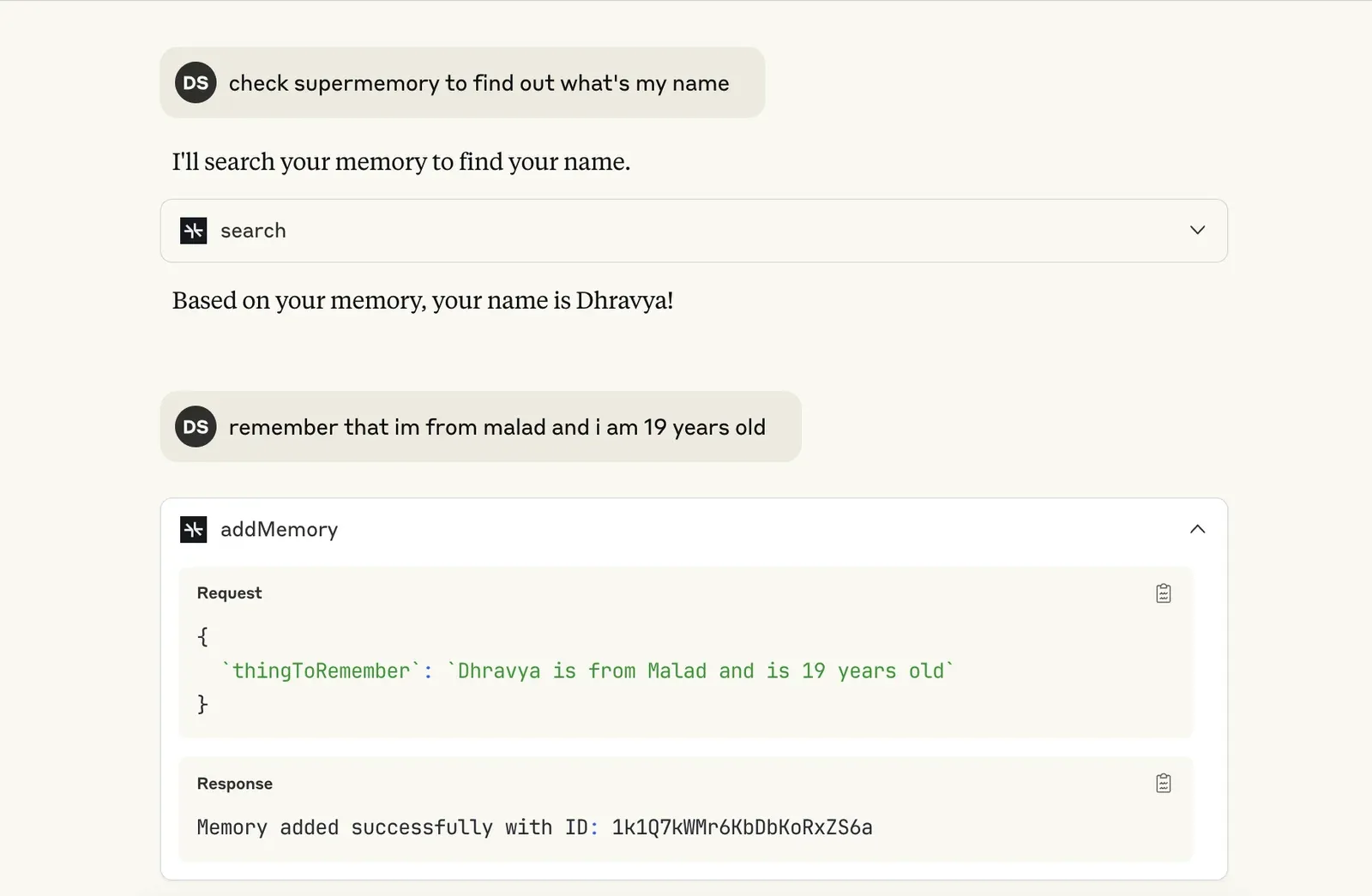
You can also add it to Cursor with just one click.
Pricing
The free plan allows you to create up to 10 memories and has basic search. For 500 memories, 10 connections, advanced search, and priority support, the price is $9/month for the first 100 users.
What’s next?
This launch is just the beginning. Next up, we’re working on a browser extension to make capturing memories across the web feel super natural. You can carry your memory engine with you everywhere.
Feel free to send us your feedback or any ideas that you’d like to see implemented.
If you’ve made it this far, thank you. I genuinely can’t wait to see what you build, recall, and rediscover with it. Sign up for a free account now!