

 Developer platform
 Plugins and MCP
How does it work? (at a glance)
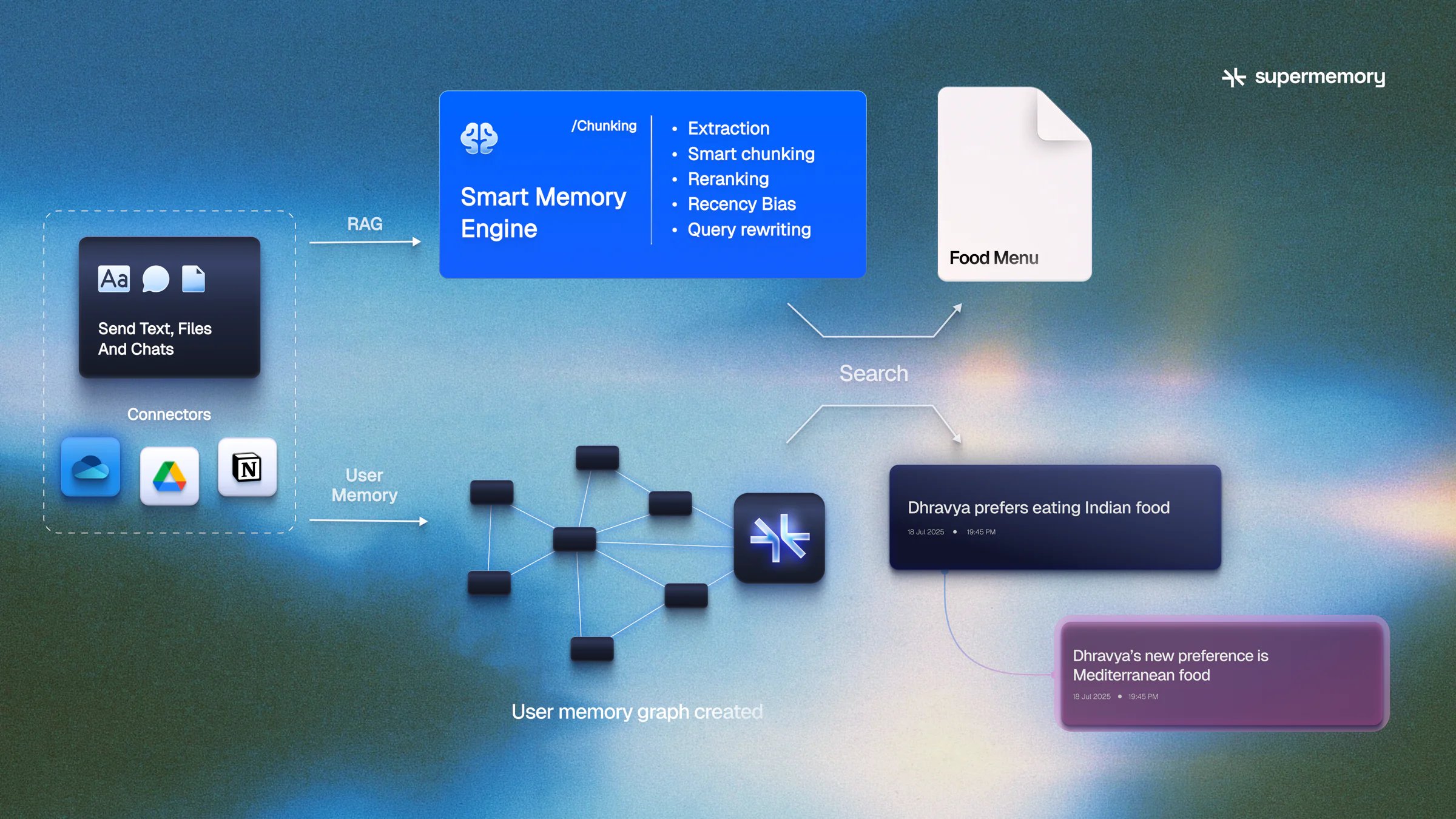
- You send Supermemory raw data in any format - text, files, and chats, or connect it to the data sources
- Supermemory intelligently indexes them using our user understanding model and builds a semantic understanding graph on top of an entity (e.g., a user, a document, a project, an organization). We call these entities a
namespace(v3/v4 called it a container tag) - This knowledge is now traversed by the agent, and an automatic profile is built for it. The agent may now use it for memory operations or for retrieval.
Why add memory to your agent?
Without memory, every session starts from zero. The model cannot know what the user preferred last week, which project they are on, or that a fact has changed since yesterday. Memory gives an agent a lasting understanding of people and entities over time: their preferences, decisions, relationships and corrections. Retrieval (RAG) grounds answers in documents and knowledge bases. Most agents need both. With memory, your agent can:- Personalize answers with preferences, roles and history from earlier sessions, without putting the whole chat log in every prompt.
- Stay correct when facts change. If a user says “I love Adidas” and later “I’m switching to Puma”, only the newer preference should hold.
- Pull the right policy, ticket or document when a question needs source material.
- Keep each customer’s memory separate, so one user’s data never leaks into another’s.
Why Supermemory?
- State of the art on long-horizon memory — #1 on LongMemEval, LoCoMo, and ConvoMem, plus independent benches like SWEContext
- Memory is a graph, not a blob store — facts update, connect, and forget in real time; not nearest-neighbor chunks alone
- User profiles built in — static + dynamic context the agent should always know, ~ready for the prompt
- Memory + SuperRAG in one engine — personalize and ground on the same
namespace/ context pool - Every door, one store — API, MCP, plugins, SMFS, and connectors share the same memories
- Multimodal by default — text, chats, PDFs, images, video, code via extractors and connectors
- Run it your way — managed cloud or self-host as a single binary (including offline)
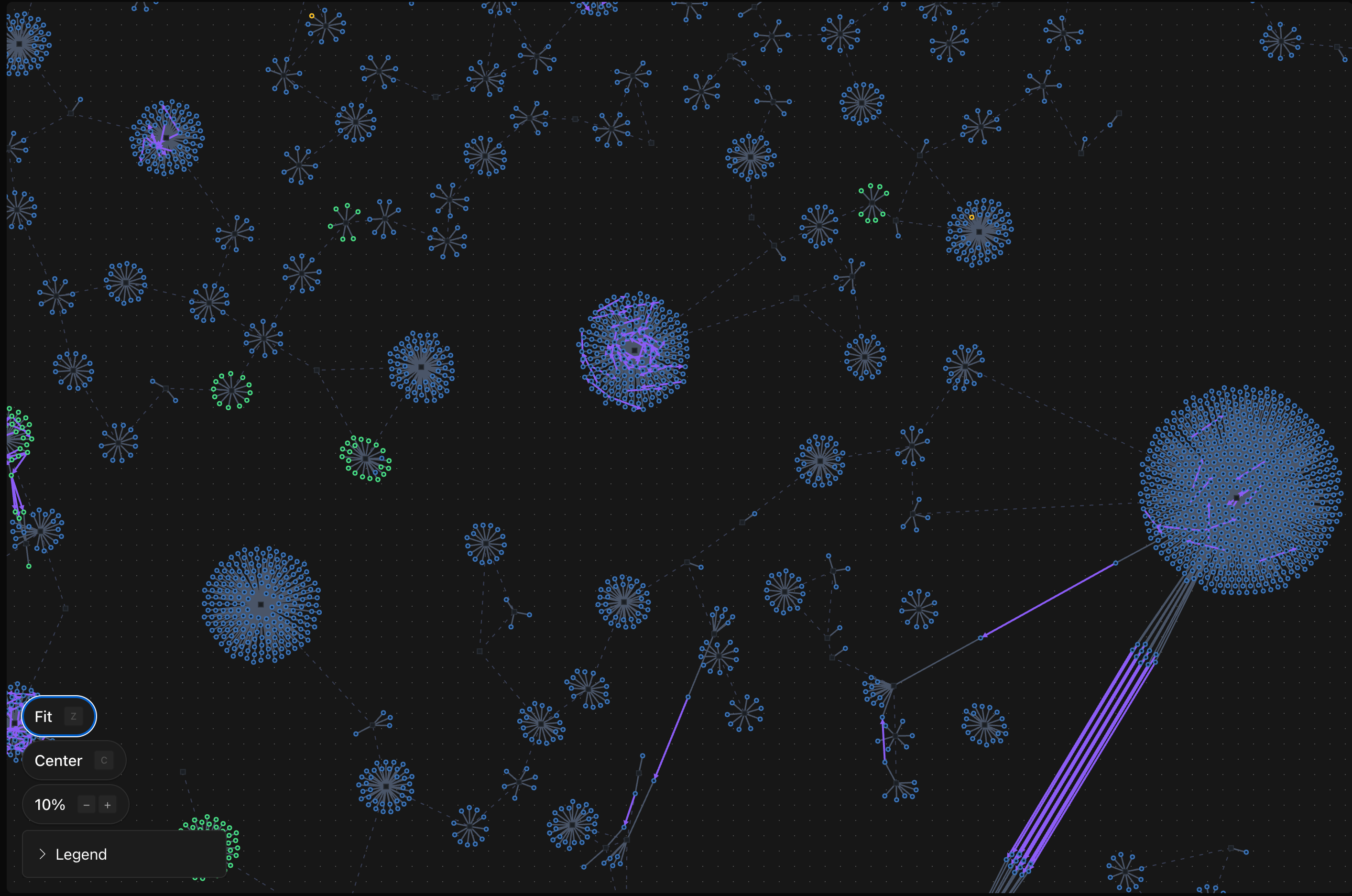
Memory, profiles, and SuperRAG share the same context pool when you use the same isolation (
namespace). Mix and match for your product! A namespace can be anything - a user, a project, team, organization, etc.Next steps

Quickstart
Make your first API call in minutes

How it works
Understand the knowledge graph architecture

Comparison
vs DIY vectors, thin memory layers, pure RAG

Self-host it
One binary, zero config, fully offline

Billing & plans
Credits, SM tokens, and how usage works

Security & compliance
SOC 2, GDPR, HIPAA BAA, encryption