

 Developer platform
 Plugins and MCP
Prerequisites
- A Supermemory API Key. Get yours here
Step-by-step tutorial
For this tutorial, we’re building a simple flow that adds incoming emails in Gmail to Supermemory.1
Make a flow
Open your Zapier account and click on ‘Zap’ to make a new automation.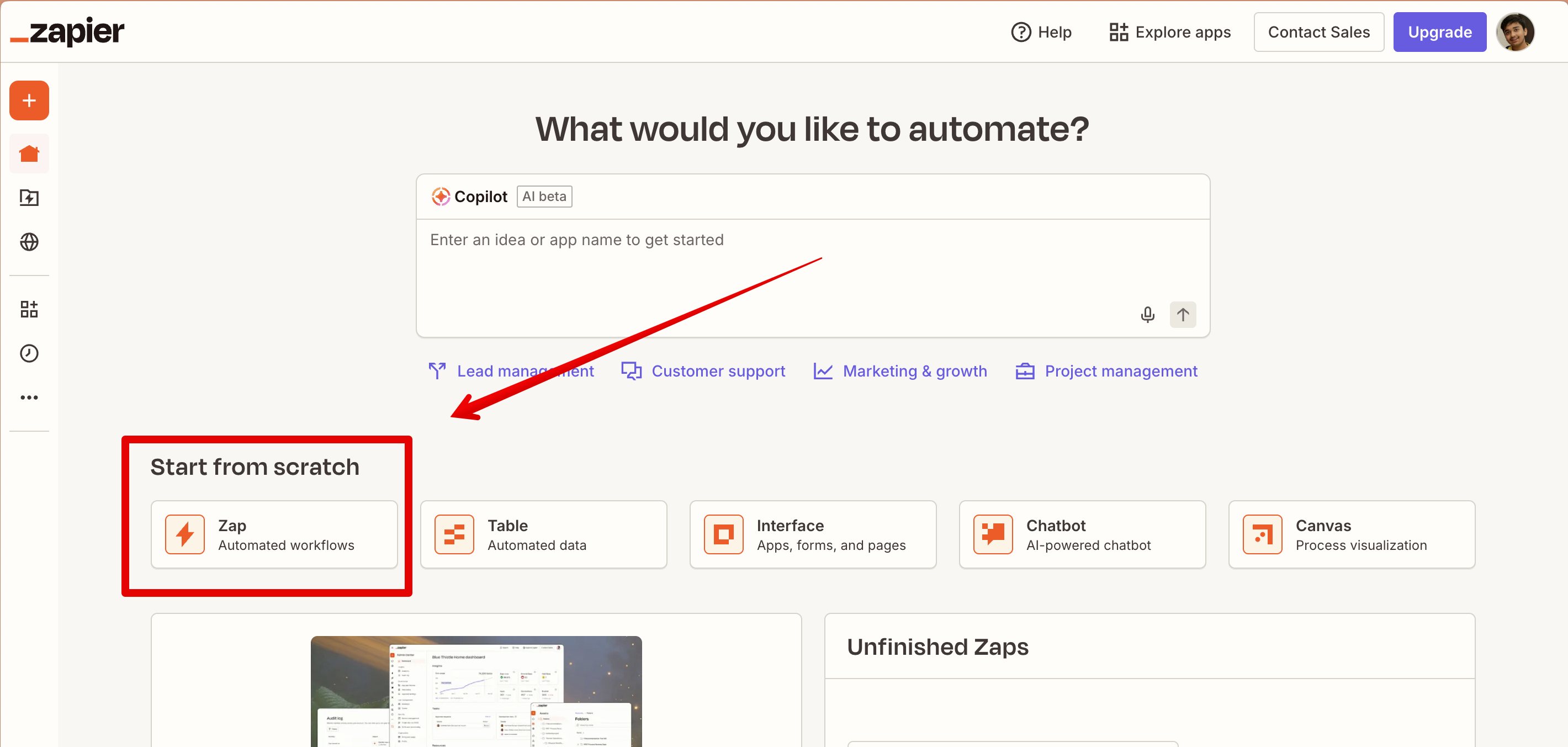
2
Add Gmail node
Add a new Gmail node that gets triggered on every new email. Connect to your Google account.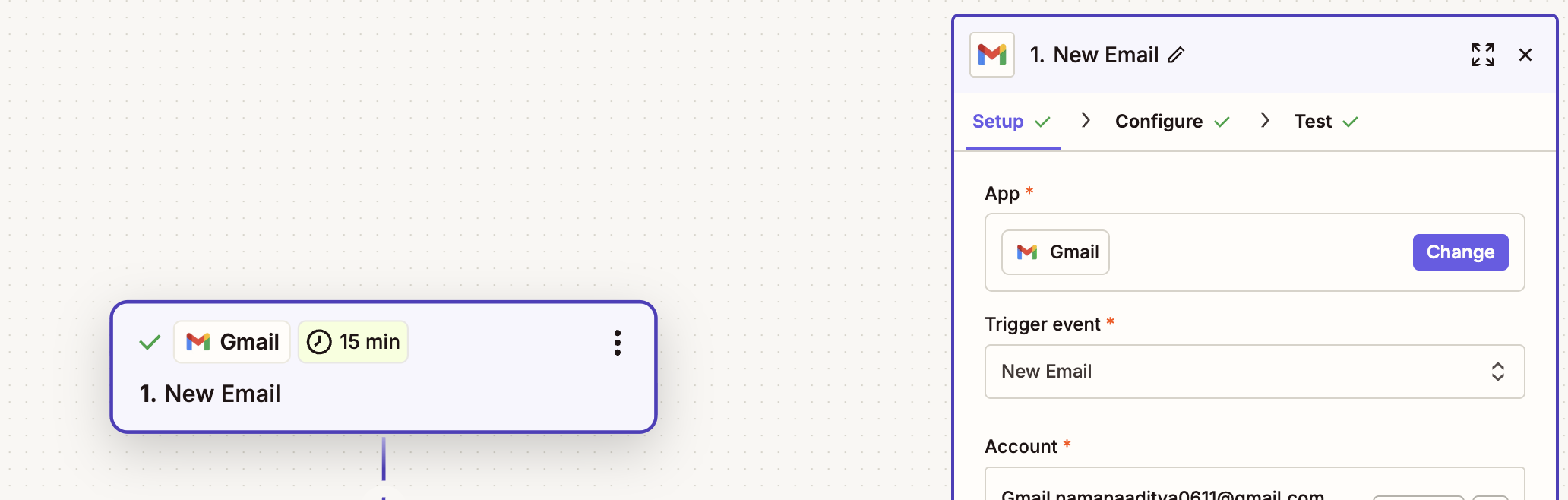
3
Add code block
Now, add a new ‘Code by Zapier’ block. Set it up to run Python.In the Input Data section, map the content field to the Gmail raw snippet.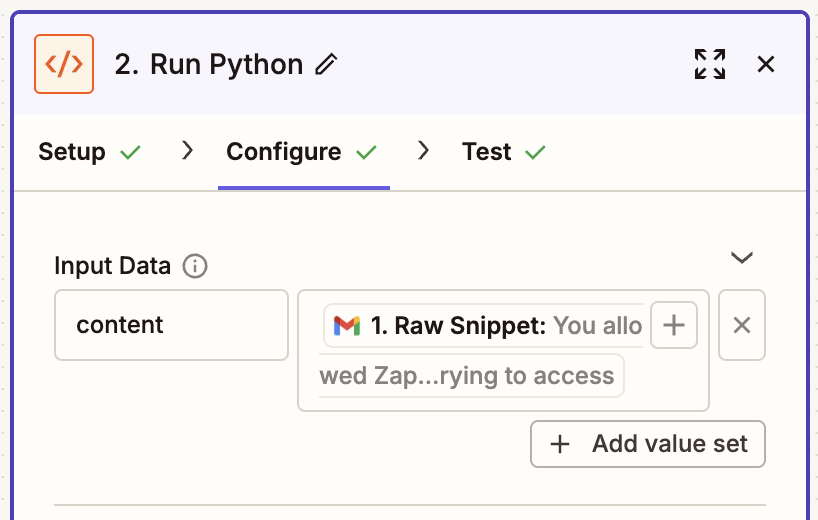
4
Integrate Supermemory
Since we’re ingesting data here, we’ll use the add document endpoint. The namespace (The 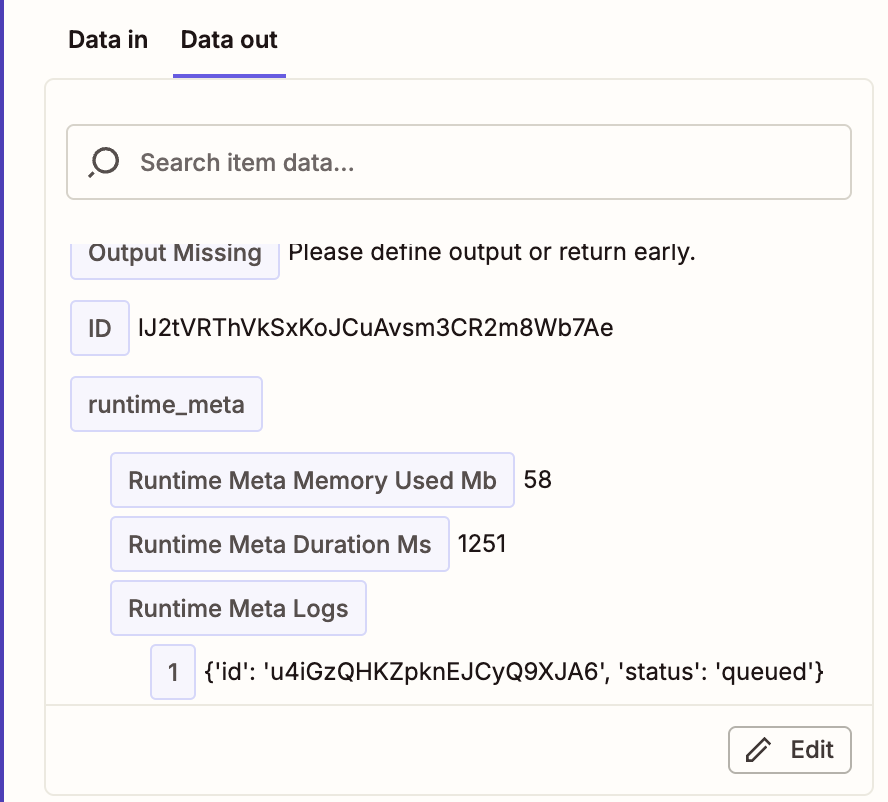
gmail here) is part of the URL.Add the following code block:inputData['content'] field maps to the Gmail content fetched from Zapier.Sometimes Zapier might show an error on the first test run. It usually works right after. Weird bug, we know.