Take it all as plain files you can open anywhere.
NEW Personal Supermemory
One Memory for
Every AI you use.
Save it once. It shows up in Cursor, Claude, ChatGPT, wherever you work. Stop re-introducing yourself to a blank slate.
Personal Supermemory1,284 memories
what did I conclude about our onboarding?
3 matched
Step 3 was the biggest drop-off — people left before connecting a tool. Your fix: move the value moment earlier and defer account setup.
Onboarding teardownFigmaClaude · activation auditclaude.aiQ3 research notesPDF
Synthesized from 3 of 1,284 memories· 0.3s
Works where 10,000+ power users already work
〉THE PROBLEM
[1/7]
Every AI meets you as a stranger.
You paste the same context every time.
Your tools forget you the second you close the tab.
No memory. No continuity. Just repetition.
Supermemory remembers, so you don’t have to.
〉HOW IT WORKS
[2/7]
Fast Setup
Set up once & you’re done.
The only step that needs you is the first one.
01
Connect once
Copy one line. It takes about thirty seconds.
npx supermemory connect 02
Keep your tools
Cursor, Claude, ChatGPT, whatever you already use. Nothing to switch.
03
They know you
Open a new chat anywhere. Your context is already there.
Context loaded · 1,284 memories
〉THE PAYOFF
[3/7]
Before & After
Same question. Different start.
The same prompt, answered twice. Watch Supermemory do the work in between.
Pick up the onboarding work.
〉NOVA
[4/7]
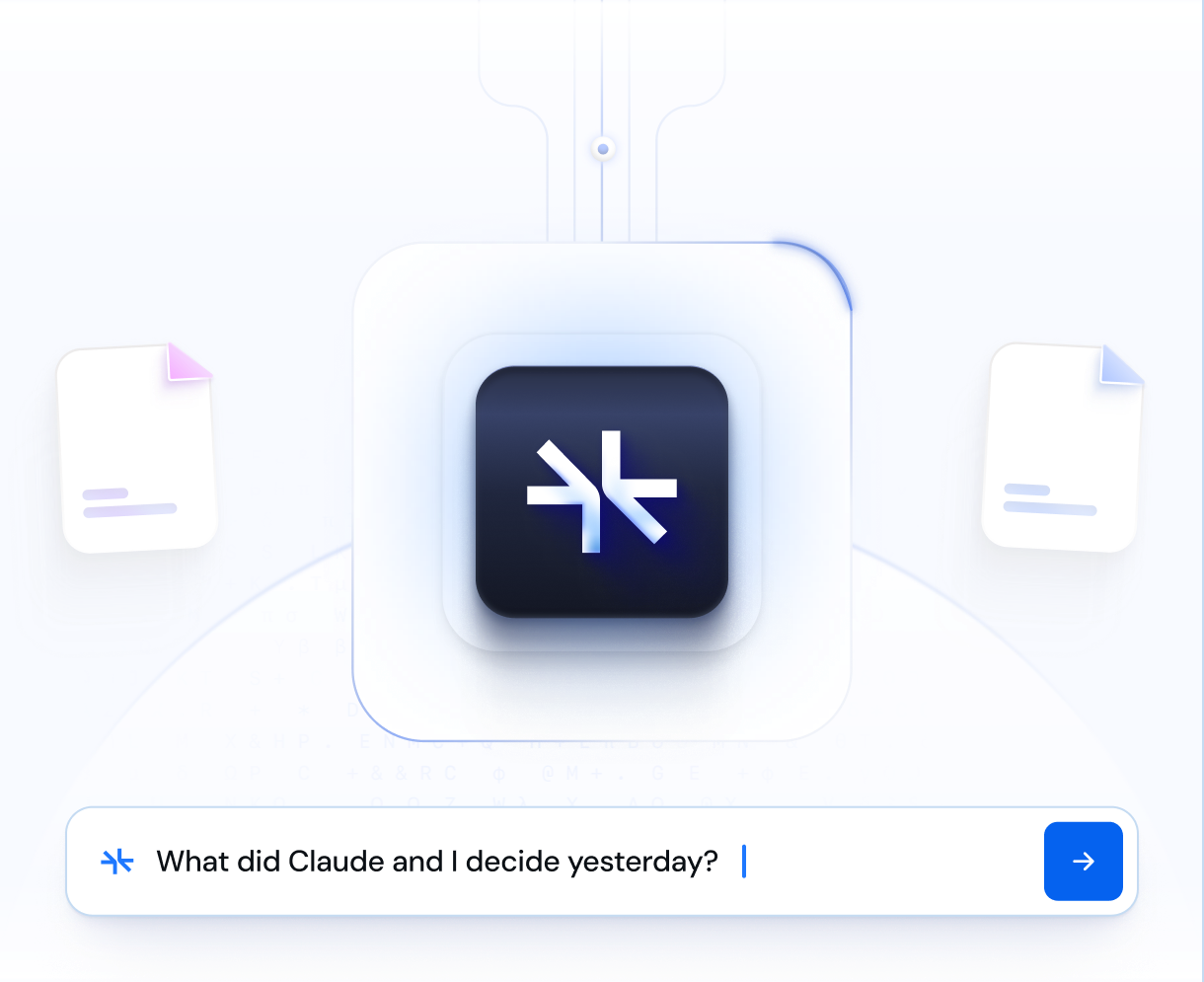
Ask anything
Want to ask your memory directly? That’s Nova.
Ask the way you’d ask a coworker. The answer comes straight back from everything you’ve saved.
〉YOUR DATA
[5/7]
You stay in control
Portable. No lock-in. Forgets what you want gone.
Delete means deleted. We wipe it, we don’t hide it.
Leave whenever. Your memory comes with you.
〉WALL OF MEMORY
[6/7]
Wall of memory
People don’t forget Supermemory.
Real posts from real people, straight from X.
Tried almost everything mentioned here - structured memory files, qmd etc. the only thing that works reliably is @supermemory. Not facing any memory issues after setting it up.
my entire life is pretty much stored on @supermemory now
Been in love with @supermemory lately such a cool thing to add to your agent. Also shoutout to their founder who sat down and helped me with my supermemory installation
I just migrated my entire ChatGPT history into Supermemory using Claude Code, parsed 1,797 conversations, extracted the facts, and automatically routed them into the right containers.
vibe coding feels good but have you vibed with @supermemory yet. integrated it today in my hackathon project & took 120 seconds
I use @supermemory, it's life-changing
Been running @supermemory across 4 machines and multiple repos.. watching the memory graph grow and start connecting context across projects has been one of the most satisfying things I've seen in a dev tool. The graph visualization is genuinely beautiful.
one openclaw hack i wish i knew first was setting up and fixing this memory problem. @supermemory fixed the issue, handed it over to openclaw. no more failing memory issues. remembers everything we talk about, also improves redundant tasks that we work on
@supermemory one of the best products ive used in a long time props to the team behind this
Running an actual J.A.R.V.I.S. with read / write access, custom tools, live web and x search, 4 unique Google workspace auth, supermemory. Sub 2s response time, sub 1s tool call. Using @zocomputer and @supermemory is cheat code
@supermemory saved my ass last week
@supermemory is pretty great
〉GET STARTED
[7/7]
ONE MEMORY EVERY AI
The last time you
start from scratch.
Free to start. Set up in under a minute, in the tools you already use.