Documentation IndexFetch the complete documentation index at: /docs/llms.txtUse this file to discover all available pages before exploring further.
Fetch the complete documentation index at: /docs/llms.txt
Use this file to discover all available pages before exploring further.
Superpower your LLM in one line
Getting an API Key
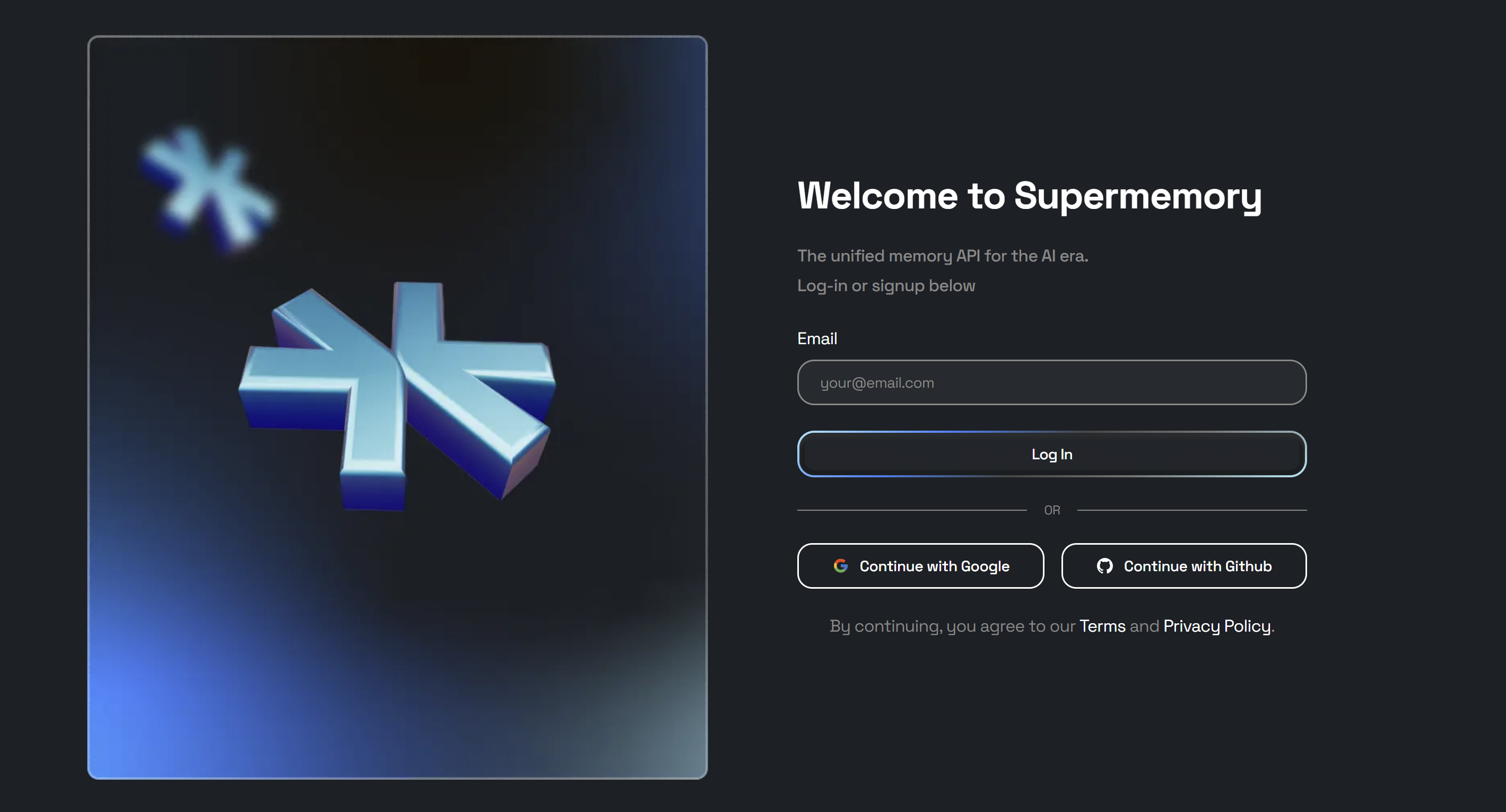
Create an account
Create an API Key
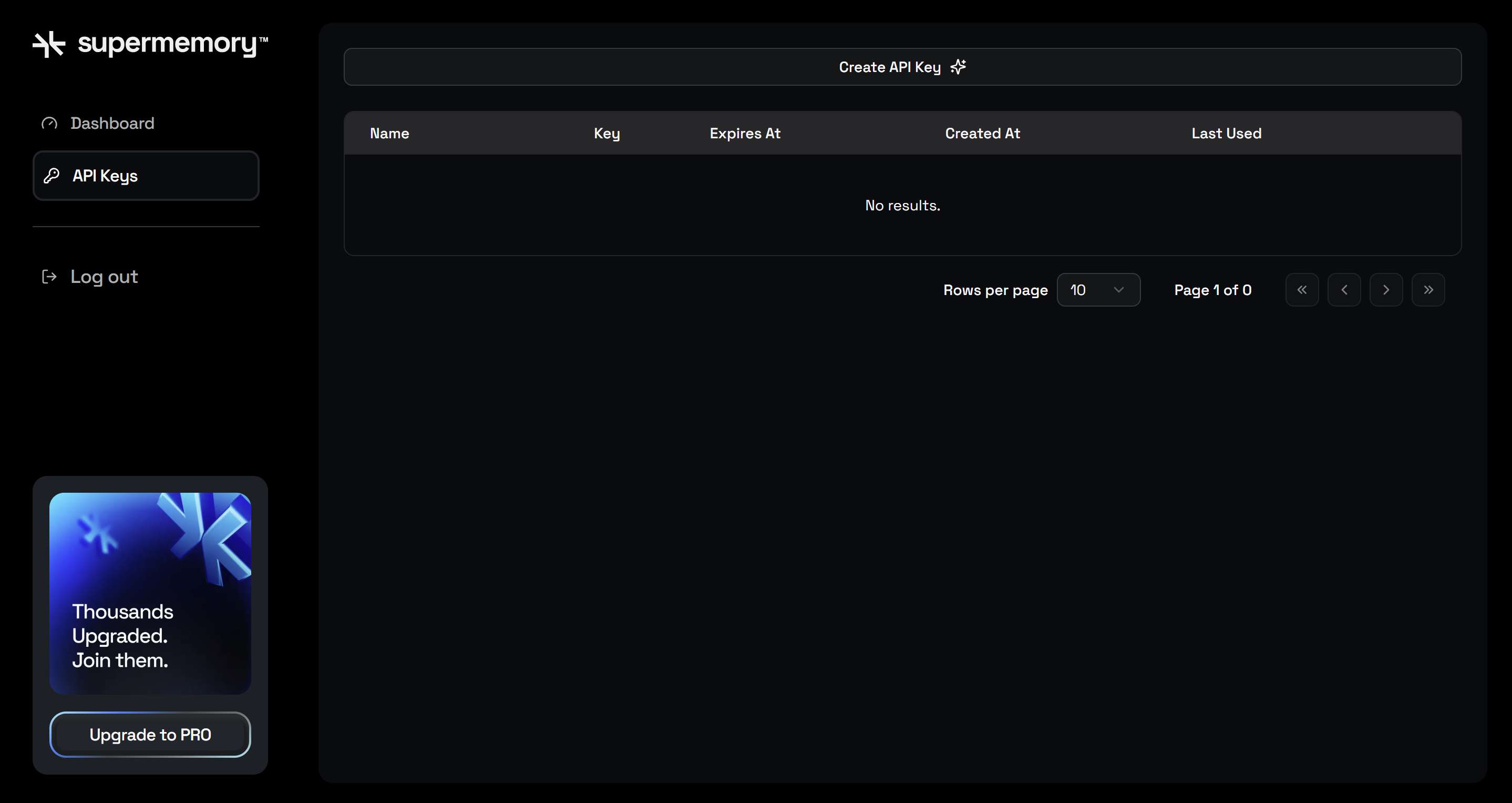
Navigate to API Keys
Create API Key
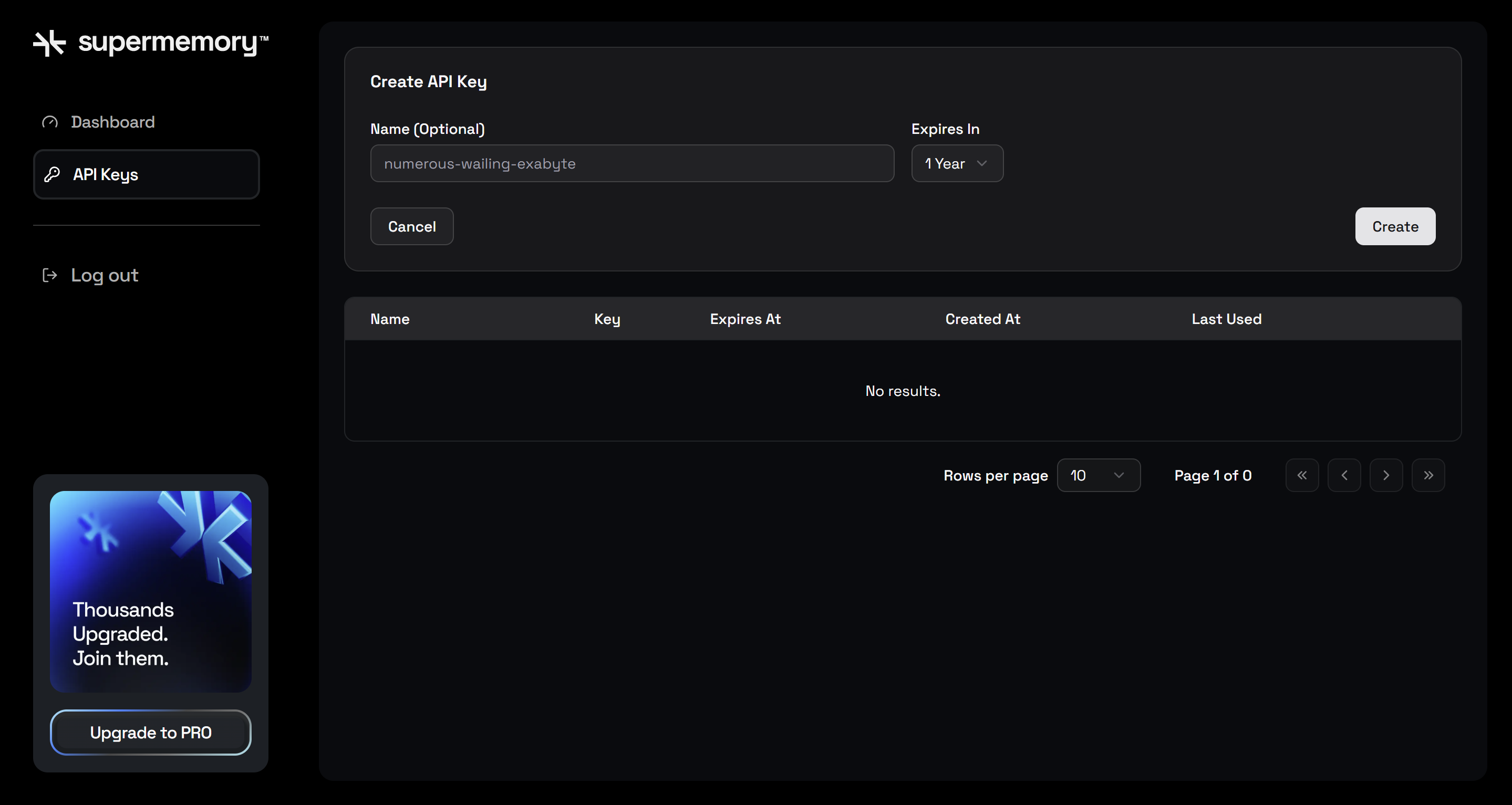
Choose Name and Expiry (Optional)
Create
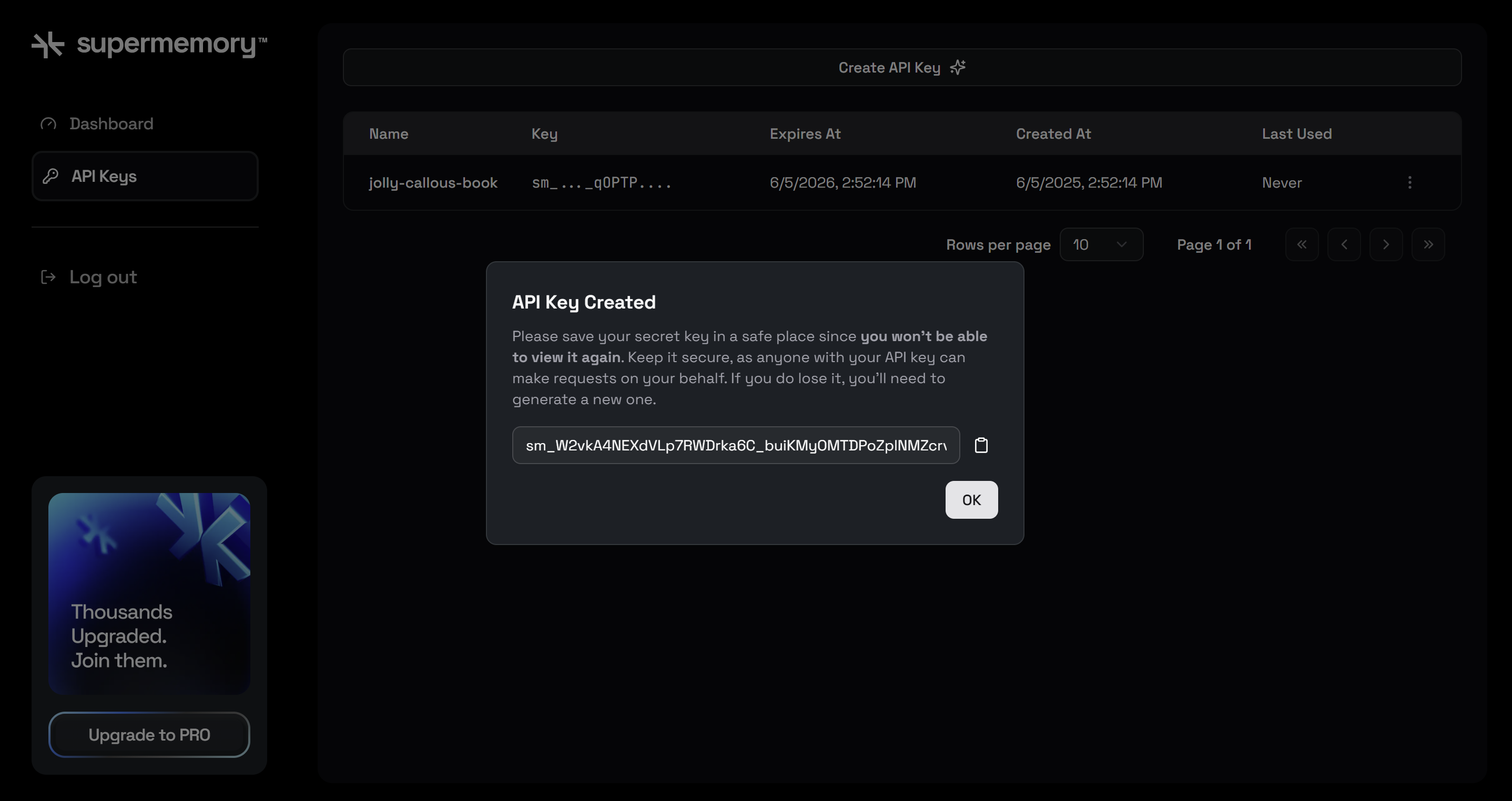
Copy New Key
https://api.supermemory.ai/v3/https://api.openai.com/v1/chat/completions
curl https://api.supermemory.ai/v3/https://api.openai.com/v1/chat/completions \
  -H "Content-Type: application/json" \
  -H "Authorization: Bearer $OPENAI_API_KEY" \
  -H "x-supermemory--api-key: $SUPERMEMORY_API_KEY" \
  -H 'x-sm-user-id: user_id' \
  -d '{
    "model": "gpt-5",
    "messages": [
      {"role": "user", "content": "What is the capital of France?"}
    ]
  }'
Was this page helpful?
Suggestions
Contact support